Enscape
Which laptop for Enscape?
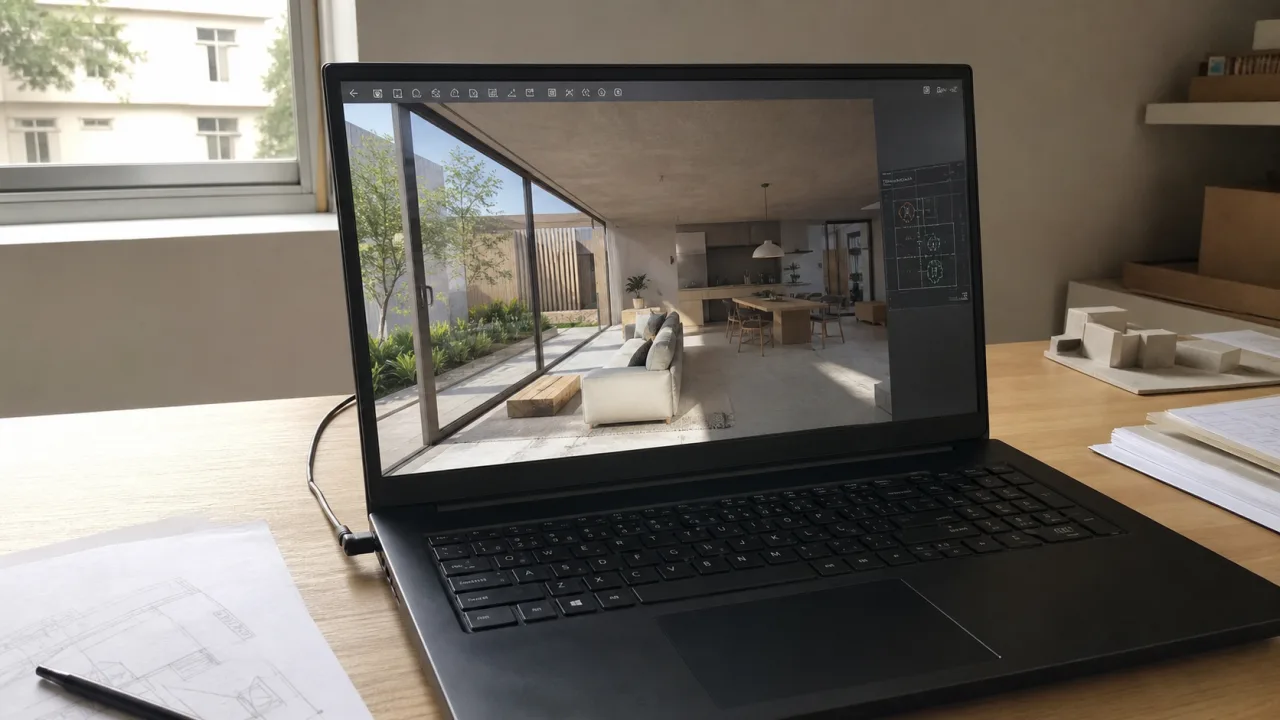
Enscape displays the rendering in real time while your Revit, SketchUp, Archicad, Rhino or Vectorworks mockup remains open. The PC therefore does not run a single software. It holds two, with textures, assets, PDFs and sometimes Photoshop next to it.
On a small house, a lot of machines look okay. Then the scene loads, the vegetation arrives, the textures increase in resolution and the visit must remain fluid in front of a client. This is where too tight a graphics card or 16 GB of RAM starts to show.
To buy today, I would go for an RTX 5060 with 8 GB of VRAM and 32 GB of RAM at least on Windows. If VR, videos or large projects come up often, you need more VRAM and a laptop capable of holding the charge.
Quick response
Which Enscape PC fits your day?
Look at the scene size, host software, render frequency, and what you keep open next to it.
| Profile | Typical use | CPU | RAM | GPU | SSD |
|---|---|---|---|---|---|
| Class / small scene | House, interior, spot images | Core Ultra 7 or Ryzen 7 | 32 GB targeted | RTX 5060 8 GB | 1 TB |
| Typical firm use | Revit, SketchUp or Archicad open next to it | Core Ultra 7/9 or Ryzen 7/9 | 32 GB | RTX 5060 or 5070 | 1 TB |
| Frequent rendering / VR | Videos, big projects, VR headset | Core Ultra 9 or Ryzen 9 | 64 GB | RTX 5070 Ti or 5080 | 2 TB |
| Enscape on Mac | SketchUp, Archicad, Rhino, or Vectorworks | Apple silicon Pro or Max | 32 to 48 GB unified | GPU Apple Silicon | 1 TB |
Do you keep Revit or SketchUp open with Enscape?
Indicate the two software programs, the size of your projects and your budget. The tool rules out laptops that lack RAM or VRAM.
What to read on the technical sheet
The official minimum allows you to launch Enscape. To work for several years, look instead at what avoids closing the model, reducing textures or losing fluidity during a presentation.
Chaos accepts older cards, but recommends 8 GB of VRAM or more. An RTX 5060 gives this threshold without going back to an already outdated generation.
Homes and interiors often go with 8 GB. For large projects, heavy textures, high resolution or VR, look at RTX 5070 Ti, 5080 or 5090.
Enscape runs with Revit, SketchUp, Archicad, Rhino or Vectorworks still open. With 16 GB, the model and the rendering quickly compete for memory.
Enscape works mainly on the GPU. The processor must above all hold the host software, imports and everything that remains open around rendering.
Models, textures, captures, videos, assets and backups quickly fill 512 GB. A 1 TB SSD avoids having to sort the project every month.
A long real-time visit or an export requires the GPU without pause. A very thin laptop can reduce its frequency and blow loudly despite a good RTX on the plug.
Enscape exists on Mac M-series. VR, standalone executable export and hardware-accelerated ray tracing remain absent on macOS.
Target configuration
What configuration should you choose for Enscape?
On Windows, first look at the RTX and its VRAM. Next come the RAM, SSD and processor required by your modeling software.
- CPU
- Core Ultra 7 / Ryzen 7
- GPU
- RTX 5060 8 GB
- RAM
- 32 GB si possible
- SSD
- 1 TB
For houses, interiors and occasional renderings. A machine stuck at 16 GB must be really cheaper to remain interesting.
See recommendationsOur landmark- CPU
- Core Ultra 7/9 or Ryzen 7/9
- GPU
- RTX 5070 / 5070 Ti
- RAM
- 32 to 64 GB
- SSD
- 1 to 2 TB
To keep the model open, produce images often and load more detailed scenes.
See recommendations- CPU
- Core Ultra 9 / Ryzen 9 HX
- GPU
- RTX 5080 / 5090
- RAM
- 64 GB
- SSD
- 2 TB
For VR, videos, large projects, heavy textures and long sessions with open BIM or 3D software.
See recommendationsTo avoid
Common errors with Enscape
- Buy a laptop without a dedicated GPU because the host software works fine on it.
- Choose a fast RTX with only 8 GB of VRAM for VR or very large scenes.
- Stay at 16 GB of RAM while Revit, SketchUp, Archicad or Rhino remains open with Enscape.
- Buy a Mac without checking the missing features and exact compatibility of the host software.
- Take a very thin laptop which reduces its performance during a long rendering session.
Why Host Software Matters as Much as Enscape
Enscape is not an application that you launch alone. The model remains loaded in Revit, SketchUp, Archicad Gold Rhino. The processor and RAM therefore continue to work while the graphics card calculates the rendering.
For a clean house and a few views, 32 GB is often enough. On a BIM project with linked files, a large model SketchUp or a lot of geometry Rhino, 64 GB avoids closing the browser, PDFs and Photoshop before each presentation.
Is 8GB VRAM enough for Enscape?
Chaos requires at least 4 GB of VRAM and recommends 8 GB or more. For a new purchase, 8 GB therefore represents the reasonable threshold, not a luxury. This corresponds to the RTX 5060 and 5070 on many current laptops.
The limit comes with large projects, heavy textures, vegetation, high resolutions and VR. For these cases, aim for 12 GB or more. On a laptop, look at RTX 5070 Ti, RTX 5080 or RTX 5090. The VRAM is soldered to the graphics card. You won't be able to add more later.
Enscape on MacBook: which model to look at?
Enscape runs natively on Apple Silicon Macs with SketchUp, Archicad, Rhino, and Vectorworks. To work regularly, first look at a MacBook Pro equipped with a Pro or Max chip, 32 to 48 GB of unified memory and a 1 TB SSD. A MacBook Air can throw a small stage, but its lack of ventilation makes it less reassuring for long sessions.
The Mac does not completely replace version Windows. In July 2026, Chaos still indicates four absences: Enscape Impact, virtual reality, standalone executable export and hardware-accelerated ray tracing functions. And if your model comes from Revit, Windows remains mandatory since Revit does not exist in the native macOS version.
laptop or desktop computer for Enscape?
A laptop is clearly useful for showing a client a visit, moving from one agency to another or working at school. I would favor a 16 inch thick enough to properly cool the RTX. A very thin chassis can display the correct graphics card, then reduce its power after a few minutes.
If the machine never leaves the office and VR or large projects come up often, a desktop computer will give more power and VRAM at the same price. It will also be easier to upgrade.
Enscape, Twinmotion or D5 Render?
Enscape remains very practical when you want to immediately see the rendering from the model, without reconstructing the entire scene elsewhere. Twinmotion gives more space to staging, media and complete environments. D5 Render also pushes real-time rendering, but remains linked to Windows and DXR ray tracing.
The choice of software changes the hardware base less than one might think: dedicated GPU, enough VRAM, 32 GB of RAM and 1 TB SSD. Advanced functions and scene size then decide whether to upgrade to 64 GB and an RTX 5070 Ti or 5080.
Windows laptops to watch for Enscape
The selection comes from the Architect's Laptops catalog, updated on October 16, 2026. For Enscape, I favor a real RTX, 32 GB of RAM and a 1 TB SSD before the marketing details of the product sheet.
As an Amazon Associate I earn from qualifying purchases.

Acer Nitro V 16S AI Gaming

GIGABYTE Gaming A16 - Intel i7-13620H
Frequently asked questions
What graphics card do you need for Enscape?
Chaos officially accepts 4 GB of VRAM as a minimum and recommends 8 GB or more. To buy a new PC in 2026, go for an RTX 5060 with at least 8 GB of VRAM. For large scenes, VR or lots of textures, aim for 12 GB or more with an RTX 5070 Ti, 5080 or 5090.
Does Enscape work on Mac Apple Silicon?
Yes. Enscape works on M-series Macs with SketchUp, Archicad, Rhino, and Vectorworks. For a regular workstation, first look at a MacBook Pro with Pro or Max chip, 32 to 48 GB of unified memory and 1 TB SSD. VR, standalone executable export and hardware-accelerated ray tracing remain absent on Mac.
Is 16GB RAM enough for Enscape?
For a small scene this might work. But Enscape runs with Revit, SketchUp, Archicad, Rhino or Vectorworks still open. With PDFs, the browser and Photoshop on the side, aim for 32 GB for a new purchase. Upgrade to 64 GB for large BIM projects or detailed scenes.
Does Enscape work with Revit LT?
No. Revit LT does not accept third-party plugins like Enscape. You need the full version of Revit. Enscape also works with several versions of SketchUp, Rhino, Archicad and Vectorworks, but always check the compatibility matrix for your version before updating.
Enscape or Twinmotion: which requires more power?
Both rely heavily on the GPU. Enscape remains directly linked to the modeling software and often keeps the model open, which also pushes the RAM. Twinmotion becomes more demanding when you use Lumen, Path Tracer, lots of assets or videos. In either case, RTX 5060 and 32 GB are a reasonable basis for a new purchase.