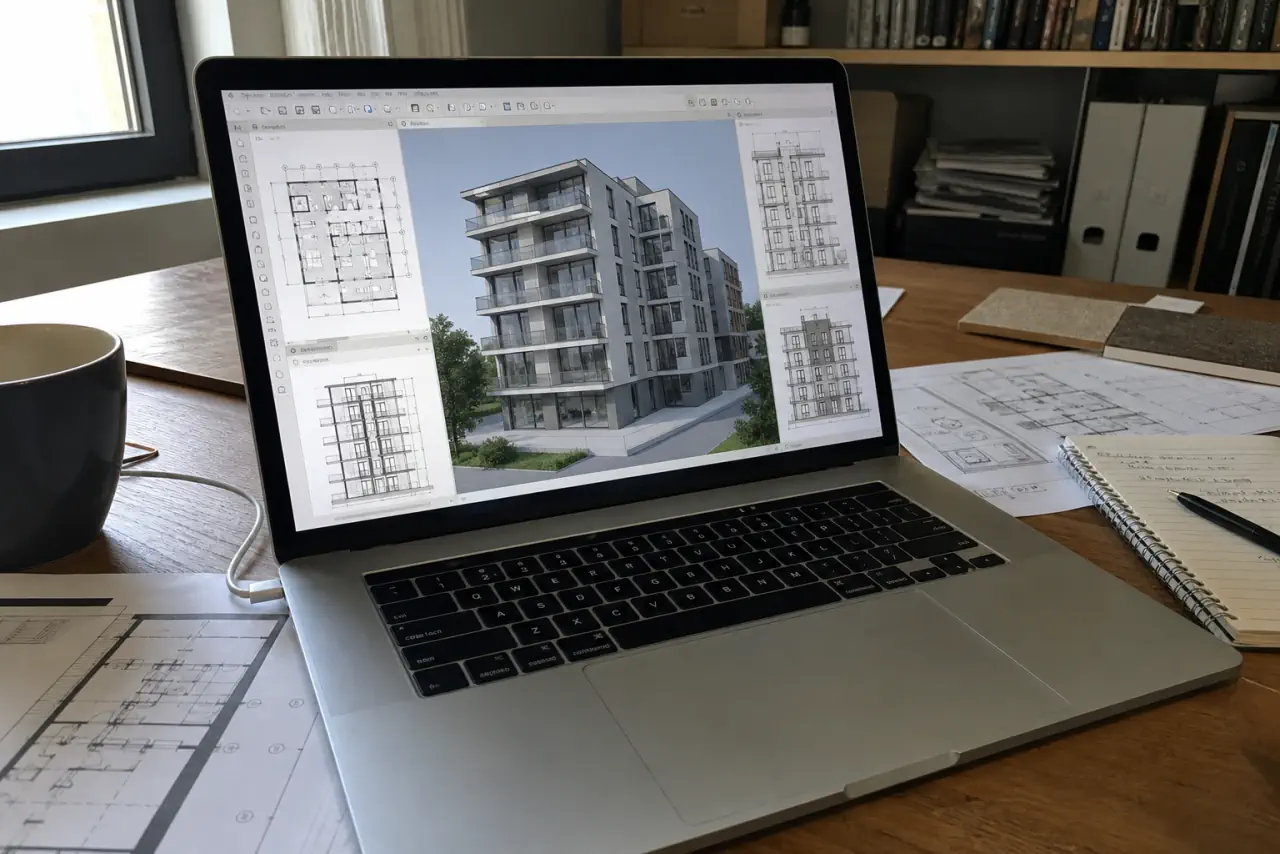
Archicad and Revit: same family, not exactly the same purchase
Archicad and Revit require the same base: responsive processor, enough RAM, fast SSD and comfortable screen. Slowdowns rarely occur when opening a small model alone. They arrive when views multiply, links are added and several tools remain open nearby.
The real difference is the platform. Revit grows almost naturally into a Windows laptop. Archicad really leaves the choice between Windows and Mac. It's practical, but it requires you to look further than the main software: rendering, plugins, IFC exchanges, agency tools, employee habits.
What really weighs down Archicad
A small residential project can run smoothly on a fairly reasonable machine. But an agency model is not just “a Archicad file”. There are libraries, linked modules, views, sections, schedules, layouts, IFC files, sometimes Teamwork and BIMcloud.
And as with Revit, Archicad almost never works alone. AutoCAD, PDF, browser, Photoshop, spreadsheet, email, sometimes SketchUp Gold Twinmotion remain open nearby. This is why 32 GB of RAM is the most reasonable benchmark for a new purchase. 16 GB can fit at first, but don't expect much headroom.
Archicad alone or Archicad with rendering: do not mix everything
For Archicad alone, the priority remains above all CPU, RAM, SSD and screen. A decent graphics card helps with 3D, but that's not the same issue as Lumion or Twinmotion.
If you often send the model to Twinmotion, Enscape, D5 Render, Lumion, or V-Ray GPU, the graphics card is no longer a minor detail. On Windows, aim for at least an RTX 5060, an RTX 5070 or 5080 for frequent rendering, or an RTX 5090 for very large projects and demanding exports. On Mac, look for a MacBook Pro with an M Pro or M Max chip and enough unified memory.
Screen, SSD and format: the details that change the day
On Archicad, we spend a lot of time between plans, sections, 3D views, palettes, properties, browser and layouts. We have a small screen, everything packs down quickly. A 16 inch 16:10 gives more space without falling into the laptop that is impossible to carry.
SSD also deserves to be taken seriously. Between PLN/PLA files, libraries, PDF exports, images, renderings, archives and synchronized folders, 512 GB fills up quickly. For a sustainable purchase, go with 1 TB. If you keep a lot of projects local, 2 TB is not absurd.