 Lumion
Which laptop for Lumion?
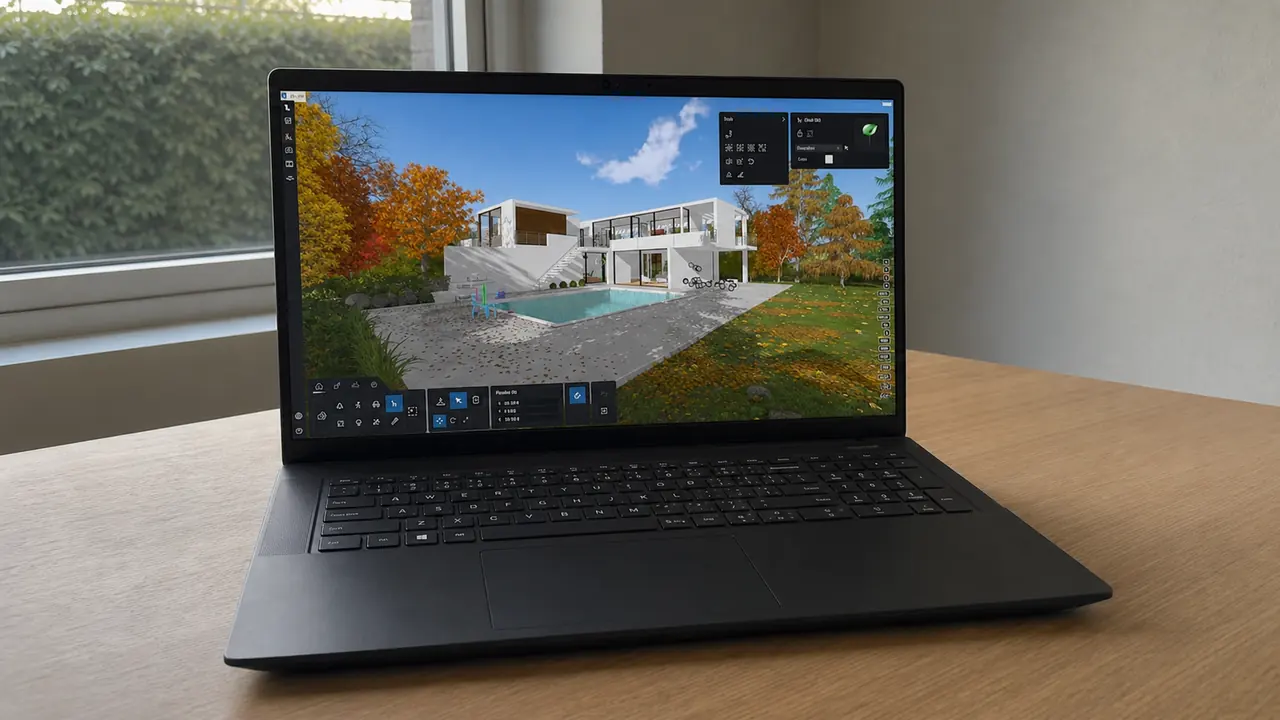
Lumion is 3D rendering software widely used in architecture to transform a SketchUp, Revit or Archicad model into more realistic images, videos and presentations.
In principle, Lumion is quite simple to understand: you import your project, you add materials, vegetation, furniture, light, effects, then you produce renderings. But behind this simplicity, the PC works hard. Very strong.
And unlike Revit or Archicad, Lumion doesn't leave much room for doubt: the graphics card is mandatory. A real dedicated RTX, not an integrated chip. Without that, you're already off to a bad start.
This guide is here to help you choose the right laptop for Lumion: powerful enough for your scenes, solid enough to render, and without making you buy a machine that is too weak or unnecessarily expensive.
Quick response
What type of Lumion rendering do you do?
For Lumion, especially look at the size of the scenes, the vegetation, the videos and what remains open nearby.
| Profile | Typical use | CPU | RAM | GPU | SSD |
|---|---|---|---|---|---|
| Initiation / simple scenes | Houses, point images, light rendering | Core Ultra 7 or Ryzen 7 | 32 GB si possible | RTX 5060 | 1 TB |
| Production courante | Villas, small buildings, moderate vegetation | Core Ultra 7/9 or Ryzen 7/9 | 32 GB | RTX 5070 | 1 to 2 TB |
| Dense scenes | Neighborhoods, large exteriors, heavy assets | Core Ultra 9 or Ryzen 9 | 64 GB | RTX 5070 Ti or 5080 | 2 TB |
| Rendu client intensif | 4K, animations, long scenes in session | Core Ultra 9 or Ryzen 9 | 64 GB+ | RTX 5080 or 5090 | 2 TB+ |
Do you already know your budget?
Just say if Lumion is for a few images, videos or large scenes. The tool saves you from the PC which ticks boxes, but ends up too tight in rendering.
Then only look at the technical sheet
For Lumion, the order is quite clear: graphics card, VRAM, RAM, SSD, then machine format. The processor matters, of course, but it will never make up for a weak graphics card.
When buying new, don't go for an integrated graphics card. For Lumion, the RTX is the first filter: RTX 5060 to start, RTX 5070, 5080 or 5090 if the rendering comes up often.
Some simple scenes can pass with less, but to buy in 2026, aim for at least 8 GB. For vegetation, heavy textures, 4K or videos, 12 GB or more is much more reassuring.
With SketchUp, Revit, Archicad, Photoshop or the browser open alongside, 16 GB quickly becomes tight. For a sustainable purchase, 32 GB is the benchmark. 64 GB makes sense on big stages.
The processor does not replace the graphics card. It mainly matters for importing, preparing the scene and keeping the source software open without making the PC painful.
Between Lumion scenes, libraries, textures, video exports, archives and source files, 512 GB fills up very quickly. 1 TB minimum, 2 TB if you produce often.
Lumion loads the GPU for a long time. It's impossible to read everything on the technical sheet, but avoid thin ultraportables: they can restrict an RTX that is correct on paper.
Lumion Pro does not have a native macOS version. If you're on a Mac, look at Twinmotion instead or keep a real post Windows for Lumion.
Target configuration
What configuration should you choose for Lumion?
Don't skimp on RTX, VRAM and RAM. This is where bad Lumion purchases are seen most quickly.
- CPU
- Core Ultra 7 / Ryzen 7
- GPU
- RTX 5060
- RAM
- 32 GB si possible
- SSD
- 1 TB
For houses, small scenes and occasional images without relying on an integrated graphics card.
See recommendationsOur landmark- CPU
- Core Ultra 7/9 or Ryzen 7/9
- GPU
- RTX 5070 / 5070 Ti
- RAM
- 32 GB
- SSD
- 1 to 2 TB
For villas, small buildings, moderate vegetation and exports which recur often.
See recommendations- CPU
- Core Ultra 9 / Ryzen 9
- GPU
- RTX 5080
- RAM
- 64 GB
- SSD
- 2 TB
For large projects, 4K images, animations and long sessions without reducing the scene.
See recommendationsTo avoid
Common errors with Lumion
- Buy a PC without a dedicated GPU: Lumion is not software to entrust to an integrated chip.
- Just looking at the name RTX without checking the VRAM, GPU power and cooling.
- Choose a Mac for Lumion while Lumion remains Windows software.
- Undersize the SSD: libraries, textures, caches and exports fill 512 GB very quickly.
Are you hesitating between RTX 5060, 5070 or 5080?
This is often where the purchase comes into play. A simple scene, a client video and a large planted exterior do not require the same PC.
Why does the graphics card matter so much with Lumion?
Lumion is made to display the scene in real time. A simple house may seem light at first, then you add grass, trees, people, furniture, textures, weather effects, shadows, lighting and video exports. The graphics card takes most of it.
An RTX 5060 may be suitable to start with on houses, small buildings or one-off images. For regular use, I would rather look at RTX 5070 or RTX 5080. And if you work on large exteriors, 4K animations or very busy scenes, an RTX 5090 is not absurd. Dear, yes. But not absurd.
VRAM: the trap you see too late
VRAM is the memory of the graphics card. It remembers the scene, textures, assets and some of the effects. When it's missing, Lumion can become slow, hang, or cause you to remove trees, lower textures, or lighten the project.
8 GB can be spent on simple projects. But for regular rendering, heavy textures, lots of vegetation, 4K or videos, go for 12 to 16 GB of VRAM. Concretely: RTX 5070 Ti, RTX 5080 or RTX 5090 depending on the budget and project level.
Lumion with SketchUp, Revit or Archicad: the needs add up
In real life, Lumion doesn't always run alone. You often SketchUp, Revit Gold Archicad open next to it, sometimes with the model to update, PDFs, Photoshop, browser and project folders.
This is why 32 GB of RAM is the most logical benchmark for a new purchase. With 16GB you can start on a small stage, but you'll quickly close things down. On large projects, 64 GB avoids working in apnea.
laptop or desktop computer for Lumion?
For the same budget, a desktop computer will almost always be more powerful, quieter and more durable for Lumion. If your machine stays in the office and you often run videos or heavy renderings, the desktop still has a real advantage.
But a good 16 or 17 inch laptop can serve very well as a mobile Lumion station. You just have to accept the compromise: heavier, noisier when rendered, often less autonomous, but capable of following in a meeting, in an agency or between two workplaces.
What if you're on Mac?
Here, we must be direct: Lumion Pro does not exist in the native macOS version. It is therefore not a good software to put at the center of a MacBook purchase, even if the rest of your work goes very well on Mac.
On an older Mac Intel, Lumion says it can be launched via Boot Camp with Windows, but that's not a sound basis for purchasing a machine today. On Apple Silicon, go instead to Twinmotion, or keep a dedicated Windows laptop for Lumion.
Windows laptops to watch for Lumion
Here are the models to look at first in the Architect's Laptops catalog, updated on October 16, 2026. For Lumion, don't let yourself be distracted by a flattering technical sheet: without a real dedicated RTX, enough VRAM, 32 GB of RAM and a serious SSD, it's not the right purchase.
As an Amazon Associate I earn from qualifying purchases.

Acer Nitro V 16S AI Gaming

GIGABYTE Gaming A16 - Intel i7-13620H
Frequently asked questions
Does Lumion run on Mac?
No, not in native macOS version. Lumion Pro remains Windows software. On an older Mac Intel, Boot Camp can help in some cases, but that's not a reason to buy a Mac today for Lumion. On Apple Silicon, go for Twinmotion instead, or keep a real Windows laptop for Lumion.
Do recent versions of Lumion require more GPU?
Yes. Recent versions of Lumion push the graphics card further, especially with advanced effects, vegetation, heavy textures and video exports. To buy in 2026, aim for RTX 5060 minimum, RTX 5070 or 5080 for regular use, RTX 5090 for very large stages or large exports.
Can we use Lumion with a AMD GPU?
Yes, Lumion also accepts AMD Radeon graphics cards. But on laptops, the Nvidia RTX models are easier to spot, more common in machines adapted to Lumion, and easier to recommend for ray tracing. For a no-brainer purchase, I would stay with RTX.
How much does a good Lumion config cost?
To start seriously, often count on $1,400 to $1,800 for a laptop with RTX 5060, 32 GB if possible and 1 TB SSD. For regular use with vegetation, videos or more busy projects, look at $1,800 to $2,600 with RTX 5070 or better. Configs with integrated GPU should be avoided.